 Nam
Nam
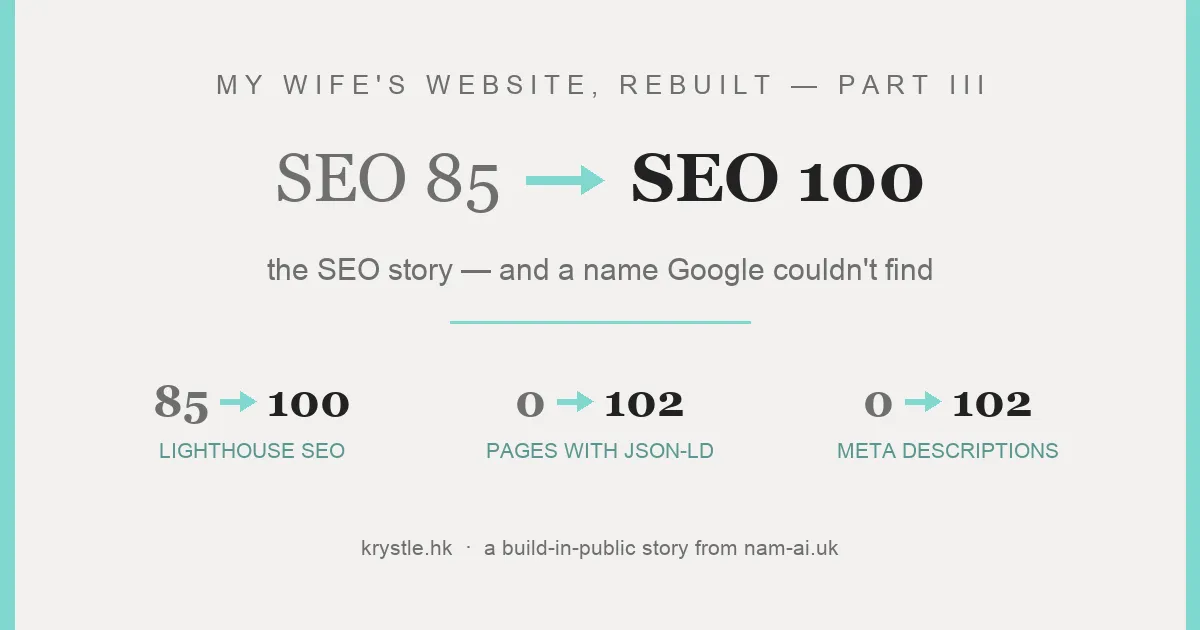
In Part I we rebuilt my wife Krystle’s site, krystle.hk, as static HTML; in Part II we fixed the interface — including the broken button that had been hiding 76 of her 85 events from every visitor. What a button hides from humans, it also hides from crawlers.
But even the pages Google could see were telling it almost nothing. This part is the search side of the story: what the site wasn’t saying, how the rebuild says it on every page automatically, and how Lighthouse SEO went from 85 to 100 on all 102 pages.
Table of contents
Open Table of contents
What the site wasn’t telling Google
The audit’s SEO list was long and mundane:
- No meta descriptions. Anywhere. Google was left to improvise every snippet.
- No Open Graph or Twitter cards — shared links rendered as bare URLs.
- No structured data at all — no
Person, noLocalBusiness, nothing for a business whose entire premise is a person providing a local service. - The homepage title was just “Krystle”.
- The footer logo linked to the theme vendor’s demo site on every page — leaking link equity sitewide, on every single page, to a template company.
- The sample post
hello-worldwas still live and indexable, along with WooCommerce cart/checkout pages for a shop with no products. - And the name thing: anyone searching 「張可澄 司儀」 — her actual name plus “MC” — could not find her, because 張可澄 wasn’t on the site. Not in the titles, not in the text, not in the code.
None of these is exotic. That’s the point — this is what an unaudited site accumulates.
The fix, piece by piece
Same URLs, so the index survives
Rule one of the rebuild: every existing URL keeps working. Google’s index of the site carried over intact — no 404s, no rank roulette from a migration. The junk that shouldn’t have been indexed (hello-world, cart, checkout) got 301s to sensible destinations.
And the Part II fix matters here too: because all 85 events are now pre-rendered in the HTML, a crawler doesn’t need to click anything or execute a fragile API call to see the entire portfolio. Content Google’s renderer previously never reached is now just… there, in the source.
Every page tells Google what it is
The build script stamps each of the 102 pages with a unique title, a bilingual meta description, Open Graph + Twitter cards, and a canonical URL. And structured data everywhere it means something:
Person— withalternateName: 張可澄, linking her English and Chinese identitiesLocalBusiness— she is oneBreadcrumbList— on every nested pageImageGallery— one per event page, describing the photos
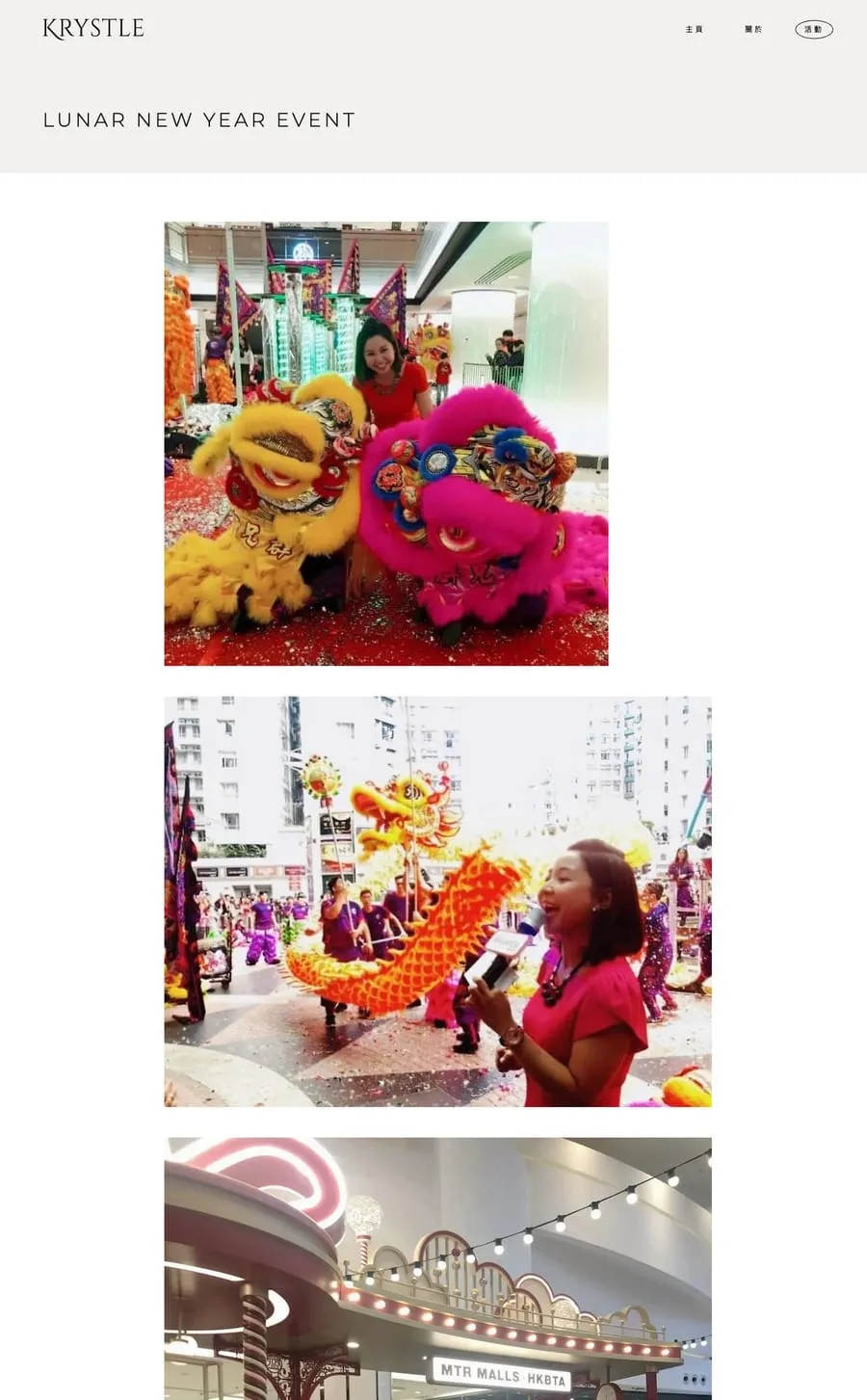
Each of the 85 event pages: unique title, description, canonical, and its own ImageGallery markup.
Because pages are stamped from data by one script, this metadata cannot drift: a new event added to the JSON gets all of it automatically. (That’s Part I’s bulk-editing win wearing its SEO hat.)
Plus the housekeeping: a real sitemap.xml, a sane robots.txt, a favicon that isn’t a 404, and that footer link finally pointing at her own homepage instead of a template company’s demo.
The name
張可澄 is now in the titles, the meta descriptions, the About page, the footer, and the JSON-LD. Someone searching her Chinese name finally lands on her own site — instead of nothing.
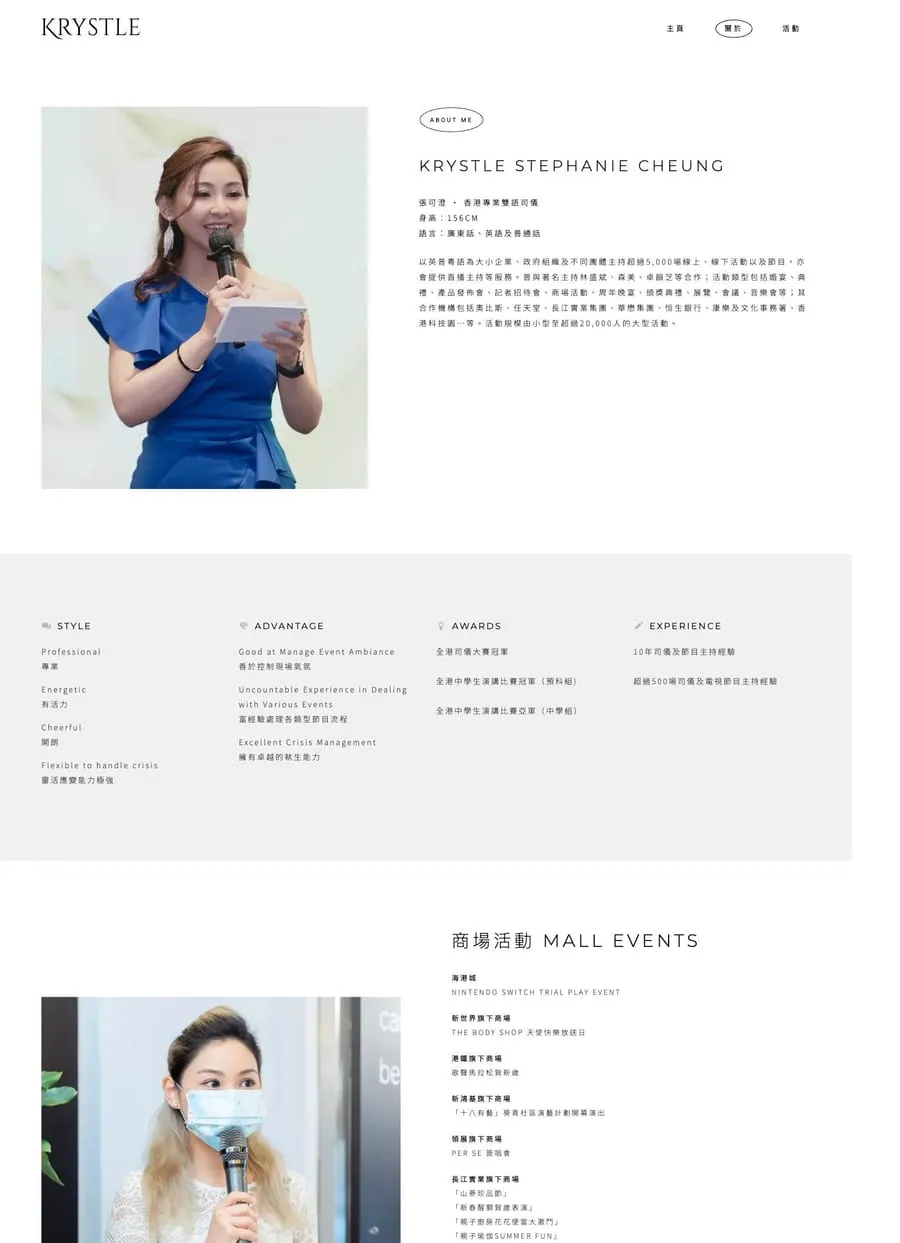
The About page — with 張可澄 on the site at last.
The scoreboard
| WordPress | Static rebuild | |
|---|---|---|
| Lighthouse SEO | 85 | 100 (every template) |
| Pages with meta descriptions | 0 | 102 |
| Pages with structured data | 0 | 102 |
| Social share cards | none | all pages |
| Events a crawler can reach without JS | 9 of 85 | 85 of 85 |
| 張可澄 findable on the site | no | yes |
| Junk URLs indexed (cart, hello-world) | yes | 301’d |
Independently confirmed on the live site — the old site’s last PSI run hours before cutover, and the rebuild after:
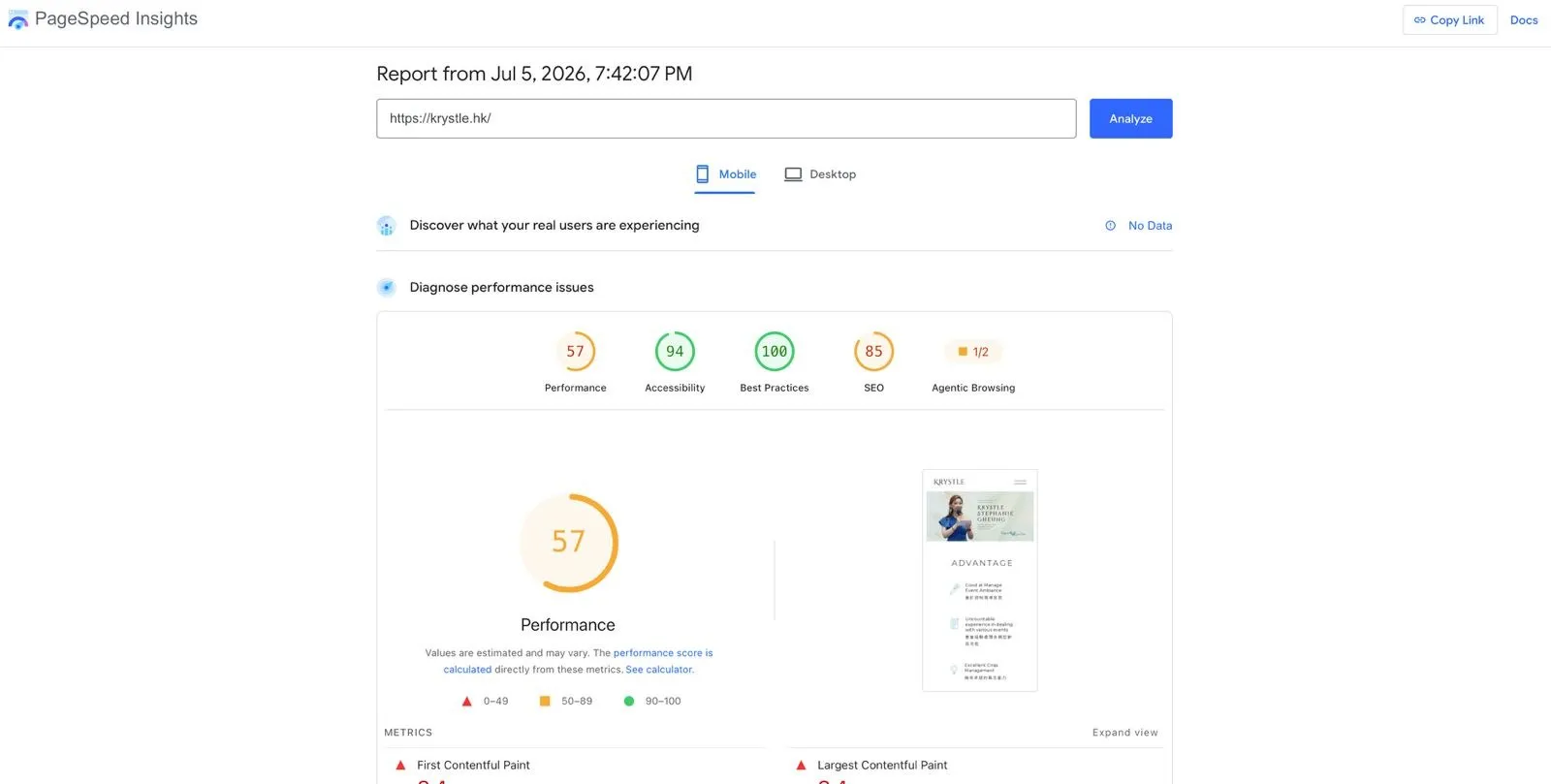
The old site, live, hours before the DNS flip: SEO 85.
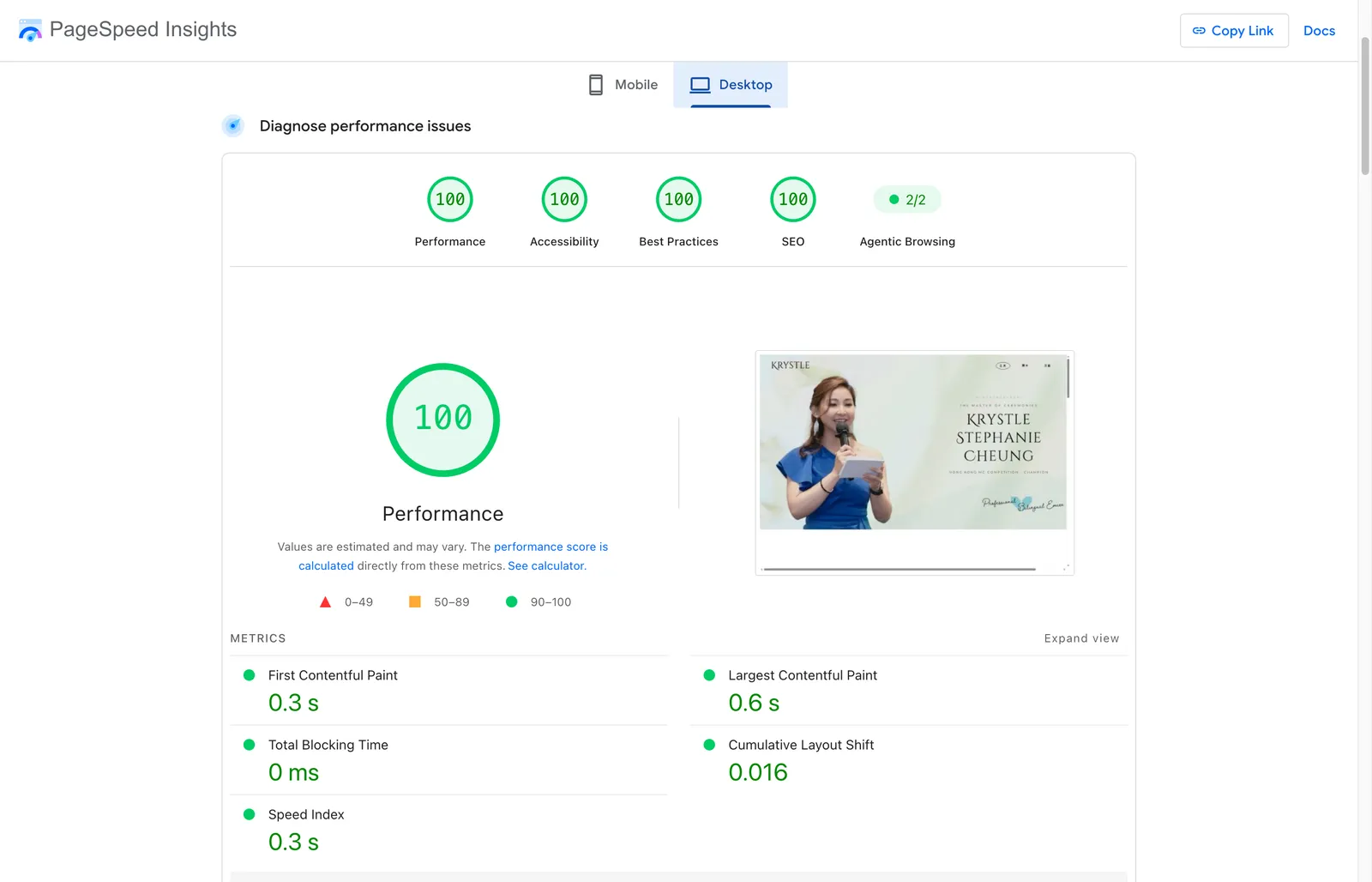
The rebuild, live at krystle.hk: SEO 100 — alongside 100s everywhere else.
Rankings don’t move overnight. The index has the same URLs with much better signals; now it’s Search Console, and waiting — while watching whether 「張可澄 司儀」 starts surfacing her. That’s a future part of this series.
The takeaway
Nothing in this post is advanced SEO. No tricks, no “hacks” — just a site that finally shows its content and describes itself accurately, on every page, automatically. Most small-business sites don’t have an SEO strategy problem; they have a “Google literally cannot see the good stuff” problem.
Fix the visibility first. The strategy can come after.
This series: Part I — WordPress → static HTML, and the honest pros and cons · Part II — the UI · Part III — you’re here · Part IV — the site was live, then came the lessons.
Suspect your site is hiding things from Google? I’m happy to take a look — email me.